
KHAN Login
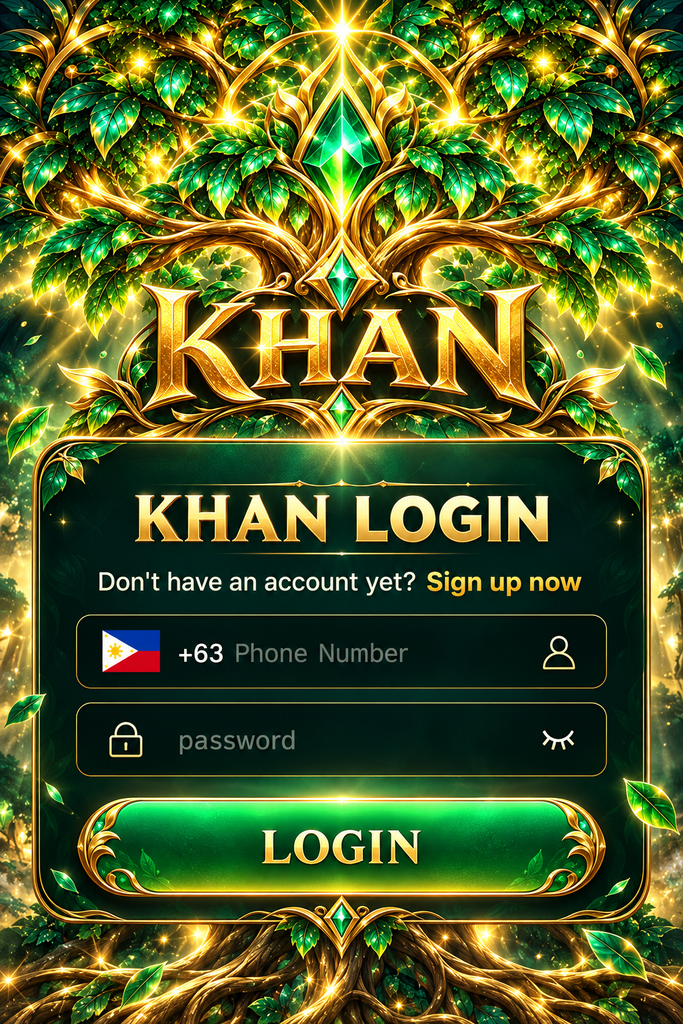
Before Using KHAN Login
A few simple checks can help prevent sign-in difficulties.
Make sure you have:
- The verified khan website or supported application
- Your registered Philippine mobile number
- The correct account password
- A stable mobile data or Wi-Fi connection
- Access to your registered phone if additional verification is required
How to Complete KHAN Login
The sign-in process is designed to take only a few steps.
- Open the verified khan website or supported mobile application.
- Find and select the Login button.
- Enter your registered mobile number in the appropriate field.
- Type your account password.
- Complete any additional identity verification requested.
- Select Login to continue to your account.
KHAN Login on Android, iPhone and Desktop
The way you access your account may differ slightly depending on your device, although the registered account details should remain consistent when the same account system is supported.
Android Mobile Access
Android users can open the platform using a compatible browser or an officially provided application.
For a smoother experience, keep your browser updated and avoid switching networks while submitting login information.
iPhone and iPad Access
Apple users can check the khan mobile website through Safari or another supported browser.
If the page does not display correctly, refreshing it or updating the browser may help. Application availability depends on the platform’s current support for iOS.
Desktop Login
A computer provides more space for viewing account settings and game information.
When using a shared computer, avoid saving passwords in the browser and remember to sign out after finishing your session.
KHAN Login Problems – Causes and Practical Fixes
| Login Problem | Possible Reason | Suggested Action |
|---|---|---|
| Incorrect password | Typing error or outdated password | Re-enter carefully or use account recovery |
| Mobile number not recognized | Incorrect country code or number format | Check the registered number and +63 format |
| Verification code delayed | Network or SMS delivery issue | Check signal and request a new code if permitted |
| Login page keeps loading | Weak connection or browser issue | Refresh the page or try a supported browser |
| Account access restricted | Security checks or account requirements | Contact verified platform support |
Forgot Your KHAN Password?
Forgetting a password is common, especially when you use several gaming or entertainment accounts.
If you cannot remember your khan account password, look for the account recovery option on the verified login page.
The recovery process may require your registered phone number or another form of identity confirmation.
Once access has been restored, create a password that you do not use on other websites.
Never share a verification code with someone contacting you through social media or claiming to be customer support.
KHAN Account Access After Signing In
After completing the login process, the next step is usually to find the account feature you need.
Depending on the platform’s available functions, users may be able to:
- Browse the current game catalogue
- Review personal account information
- Check available account activity
- Manage supported preferences
- Find assistance for account-related questions
Frequently Asked Questions About KHAN Login
Can I use my Philippine mobile number for KHAN Login?
If your account was registered using a Philippine mobile number, enter it in the format requested by the login page. Check whether the +63 country code is already selected.
What should I do if I cannot access my KHAN account?
First, check your registered number, password, and internet connection. If the problem continues, use the verified recovery process or contact the platform’s official support channel.
Can I log in to KHAN from another phone?
Access from another device may be possible if the platform supports it. Additional verification may be required when signing in from a new device.